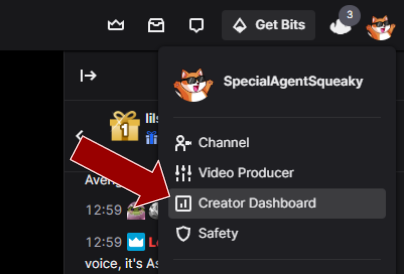
Step 1 - Open Creator Dashboard
Since this Text To Speech (TTS) service uses Twitch's channel point system, the first step is to open up your Creator Dashboard by clicking on your profile picture in Twitch.
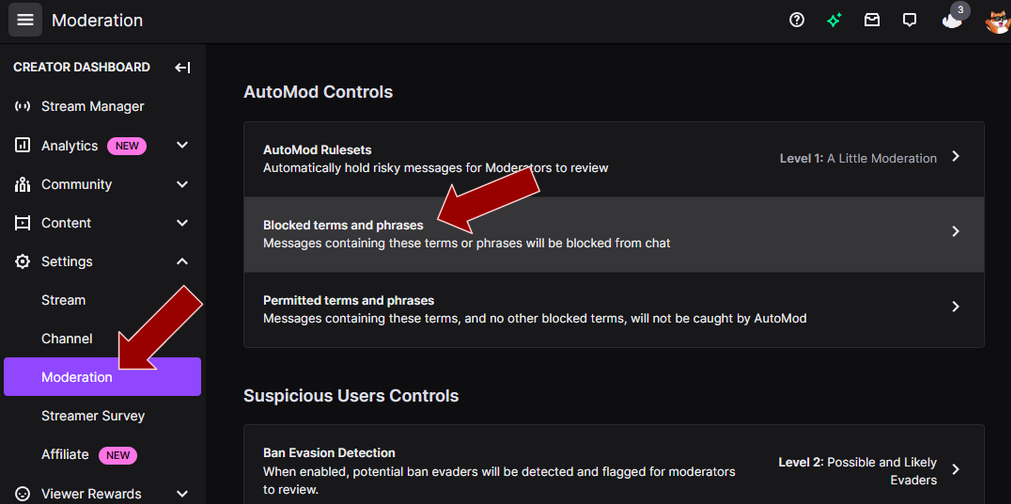
Step 2 - Open Blocked Terms And Phrases
Next scroll down to "Settings", then click on "Moderation" and then on "Blocked terms and phrases".
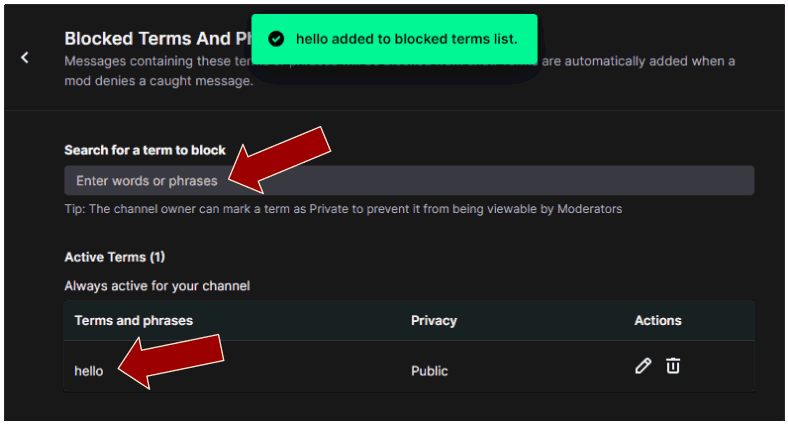
Step 3 - Add the word you want to ban
Then type in the word you want to disallow and click on "Add". In my example, I have picked the word "hello".
Step 4 - Testing it
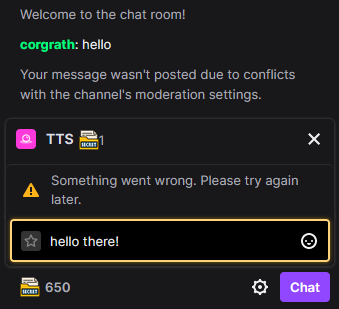
In order to test that the word is banned, simply try and redeem a Twitch channel point reward with the banned word and you will now see it is not permitted. Please note, you need a second account or a friend to test this, since the broadcaster can still write banned words in their own chat!